Your privacy matters. We’ve updated our policies effective March 24, 2026.

LEARN MORE

Desktop GUI modernization & facelift

Desktop GUI applications embed business logic within event-driven interfaces, stateful widgets, and tightly coupled client environments.

Synchrony’s Modernization Lifecycle Platform (MLP) enables facelift modernization that preserves interface behavior while transitioning desktop applications to browser-based and cloud-accessible architectures.

Our approach delivers:

  • Preservation of event-driven behavior and UI logic
  • Incremental modernization without disrupting core systems
  • Modern web deployment and API access
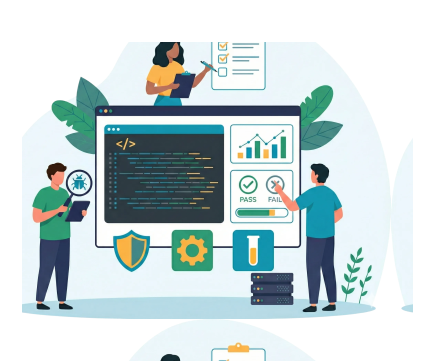
Graphical User Interface (GUI) development illustration featuring programmers and server towers integrated with a central lightbulb containing a browser window icon.
GUI Facelift emblem featuring a teal circular border and a transformation icon showing legacy laptop code converting into a modern web browser interface.

Why modernize desktop GUI systems?

Desktop GUI applications support data-bound grids with in-place editing, multi-window workflows that share live state, and keyboard-driven productivity refined over decades of use. These capabilities are tightly coupled to event-driven execution and client-side state management.

Modern operating models introduce new constraints. Remote access often relies on controlled network environments or desktop virtualization rather than browser delivery; mobile access typically requires interface redesign; and cloud adoption is limited when applications assume local execution and direct database connectivity.

Conventional alternatives do not address these architectural realities. Manual rewrites struggle to scale while preserving event handling and data binding semantics, commercial conversion frameworks alter interaction models, and virtualization shifts deployment without resolving interface and execution coupling.

Why desktop GUI modernization requires a specialized approach

Desktop GUI applications derive their behavior from coordinated event handling, shared state, and complex interaction patterns that must be modeled before modernization.

Successful modernization requires understanding GUI-specific characteristics:

Logical flowchart of an event-driven workflow featuring a central lightning bolt trigger connecting multiple process nodes.

Event-driven execution

User interactions trigger handlers organized through widget hierarchies and event propagation patterns.

UI/UX design diagram showing complex widget composition and layout for enterprise software applications.

Widget composition

Tab controls, data grids, tree views, and composite widgets coordinate nested data and multi-step interactions.

Database synchronization diagram showing real-time bidirectional data binding between two data storage systems.

Data binding

Widgets bind directly to data models with automatic synchronization and validation rules.

UI/UX diagram illustrating multi-window coordination and synchronization within a complex enterprise application.

Window coordination

Applications manage multiple windows that share state and respond to cross-window events.

433 desktop GUI screens modernized to web-based interfaces in 18 months with zero migration errors

A European music industry services company modernized its VAGen/Smalltalk desktop GUI applications to web-based EGL RUI interfaces without disrupting operations or freezing development. Synchrony transformed desktop screens into responsive web applications while maintaining production parity, enabling global expansion and digital transformation.

0

GUI screens modernized

0

Test cases executed

0

Months to production

0

Migration-related errors

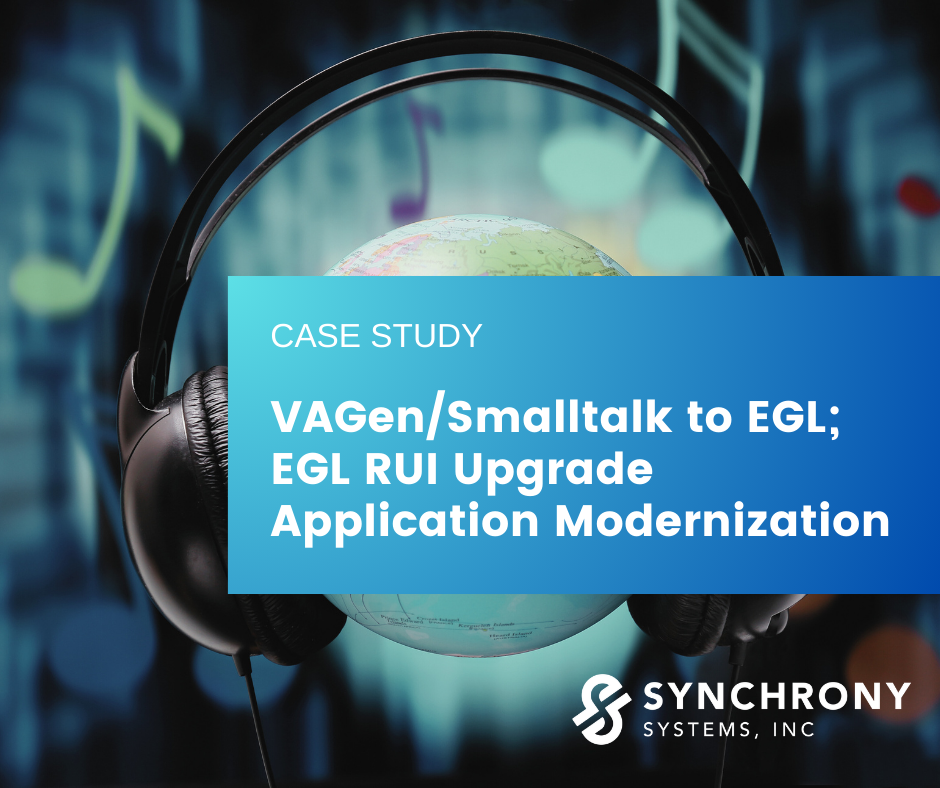
Cover image for a Synchrony Systems case study titled “VAGen/Smalltalk to EGL; EGL RUI Upgrade Application Modernization,” featuring a globe wearing headphones against a blurred digital background, with the Synchrony Systems, Inc. logo in the lower right corner.

The only way to modernize desktop GUIs

Synchrony transforms desktop GUI applications into modern web platforms without rebuilding business logic, breaking data-driven workflows, or disrupting the interaction patterns power users depend on.

Desktop GUI behavior is encoded in event hierarchies, data binding declarations, widget APIs, and window coordination patterns that do not survive conventional web conversion. Modernization requires precision across the following areas:

1. Event hierarchies traced before handlers are rewritten

Desktop applications coordinate behavior through event propagation across widget hierarchies, with inherited handlers and overrides shaping execution.

Synchrony maps event handler relationships and traces propagation across the full application before generating modern web event handling patterns.

Result: Web applications that maintain original event-driven coordination and workflow logic.

2. Complex widgets modeled, not approximated

Data grids, tree views, tab controls, and composite widgets enable multi-step data interaction and keyboard-driven workflows.

Synchrony models widget configurations, binding rules, and validation logic, then generates modern web components that preserve interaction patterns.

Result: Modernized applications that retain the data manipulation capabilities users depend on.

3. Data binding semantics carried forward

Desktop platforms provide automatic two-way binding between widgets and data models.

Synchrony extracts binding declarations and calculated field logic, then generates modern framework bindings that preserve synchronization behavior.

Result: Data binding and calculated field behavior remain consistent with the original system.

4. Window coordination restructured for the web

Master-detail relationships, modal dialogs, and multi-window workflows do not map directly to browser architectures.

Synchrony analyzes window relationships and shared state patterns, then generates modern equivalents that preserve coordination logic and data flow.

Result: Multi-view workflows that maintain original application behavior.


What next?

Facelift modernization makes it possible to extend the life of desktop GUI systems while enabling browser access, modern integration, and cloud deployment.

Start with a readiness assessment to understand your application’s interface complexity and modernization path, or explore how our Modernization Lifecycle Platform (MLP) supports structured transformation.