Your privacy matters. We’ve updated our policies effective March 24, 2026.

LEARN MORE

PowerBuilder and DataWindow modernization

PowerBuilder is a composite platform where business logic spans DataWindows, event hierarchies, frameworks, and reporting systems.

Synchrony modernizes these applications by:

  • Extracting architectural intent across these layers
  • Transforming event-driven workflows into modern service patterns
  • Preserving reporting logic built over decades

The result is a cloud-native architecture that maintains transactional integrity, workflow behavior, and analytical capability while enabling modern deployment and integration models.
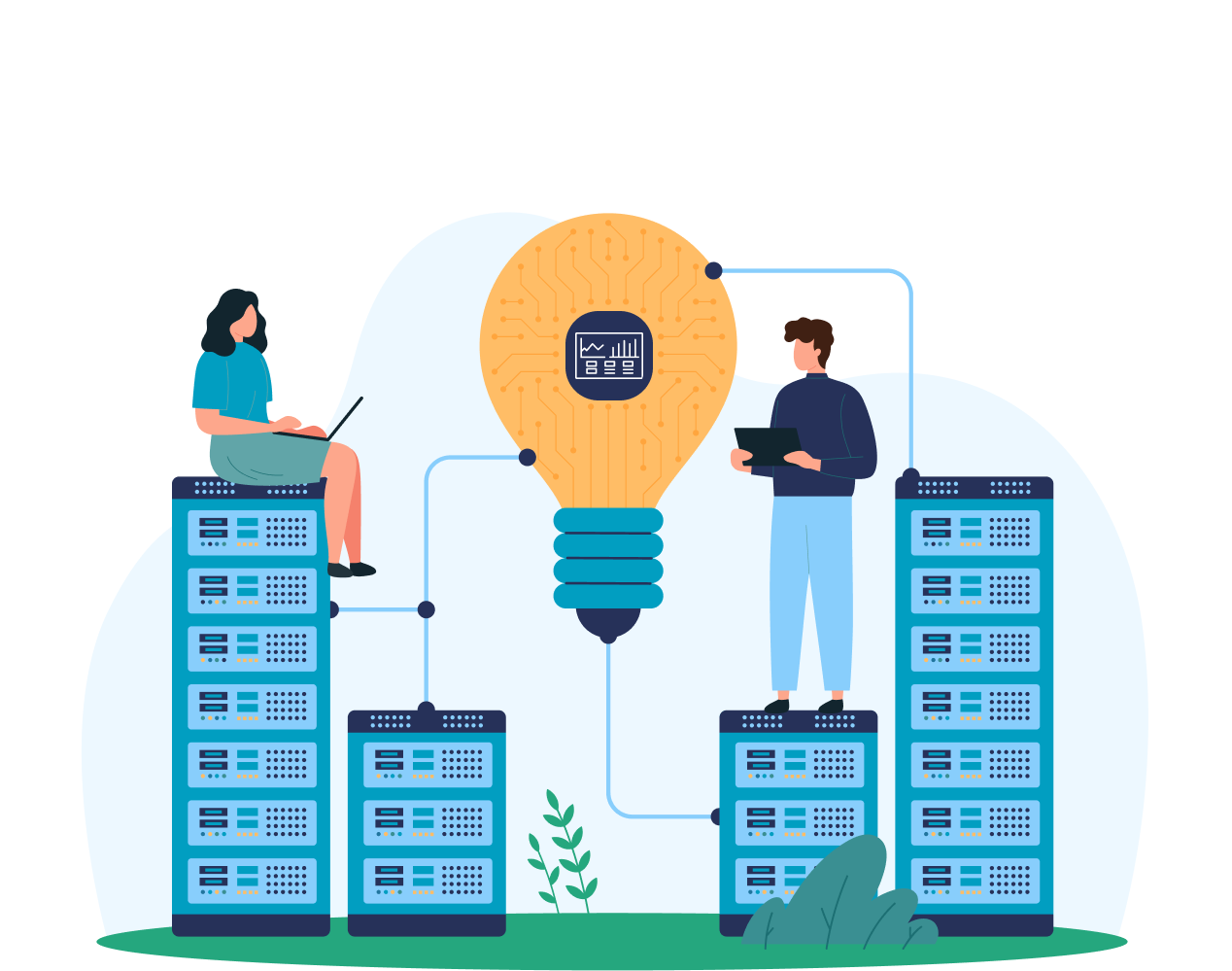
Concept illustration for PowerBuilder development featuring IT professionals working on server racks connected to a large lightbulb containing a PowerBuilder dashboard icon.
PowerBuilder software emblem featuring a teal circular border and a dashboard icon with line charts and data grids over a binary code background.

Why modernize PowerBuilder systems?

PowerBuilder developers are retiring faster than new ones enter the market, older PowerBuilder versions no longer receive security patches, and desktop deployment blocks cloud migration strategies.

So what are the options? Replacing everything with packaged software or custom builds means accepting that business logic will be lost or misunderstood. Attempting manual rewrites ties up millions of dollars and years of developer time. Ignoring the problem leads to compounding technical debt while competitors move to cloud-native architectures.

PowerBuilder systems are inherently structured around DataWindow objects, event chains, and framework code. Attempting to migrate these systems by scraping screens and rewriting SQL destroys the integration and semantics, guaranteeing failures in production.

Why PowerBuilder modernization requires a specialized approach

PowerBuilder created an integrated development platform where data semantics, workflow orchestration, and analytical logic interconnect through architectural patterns built into the technology itself.

Successful modernization requires handling characteristics that distinguish PowerBuilder from conventional applications:

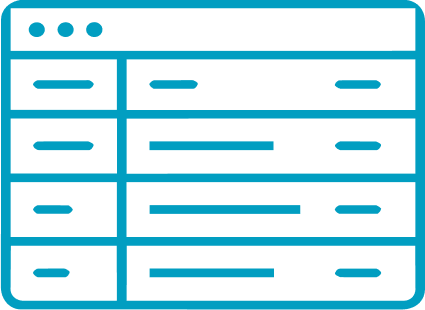
PowerBuilder DataWindow architecture diagram displaying a structured grid interface for data manipulation and display.

DataWindow architecture

Semantic objects unifying SQL, binding, validation, presentation, transactions, calculations, and updates.

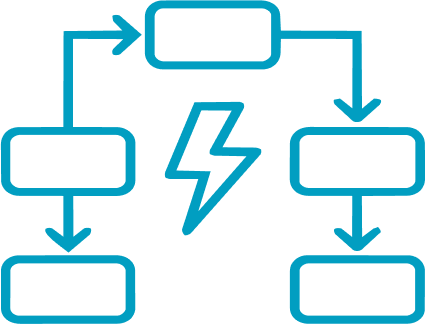
Logical flowchart of an event-driven workflow featuring a central lightning bolt trigger connecting multiple process nodes.

Event-driven workflows

Distributed business logic across window hierarchies, inheritance, runtime objects, and message routing.

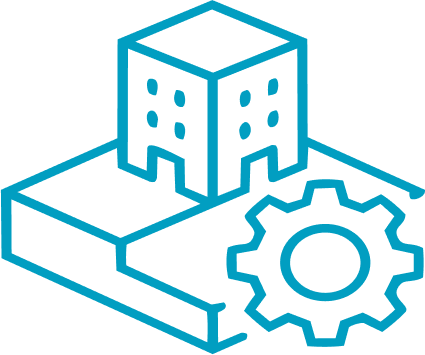
Isometric icon representing software framework foundations, featuring a gear integrated into a building's structural base.

Framework foundations

PFC and custom frameworks defining lifecycle, security, transaction, and architectural patterns.

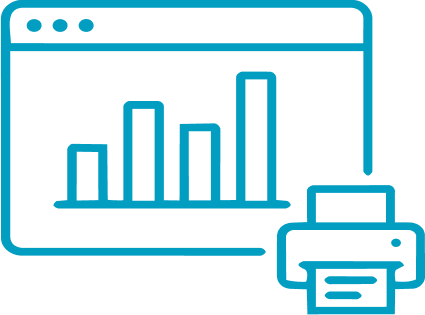
Illustration of an embedded reporting system featuring a dashboard with bar charts and a connected printer icon.

Embedded reporting systems

Reports, dashboards, analytics, and batch processes encoding decades of business logic.

Understanding these characteristics determines whether transformation preserves the capabilities that make PowerBuilder systems valuable.

1M+ lines of PowerBuilder modernized to C#/.NET, maintaining parallel development throughout

SoCalGas, the nation’s largest natural gas distribution utility, modernized its mission-critical PowerBuilder application to C#/.NET without freezing development or compromising functional accuracy. Synchrony transformed the application while active PowerBuilder development continued, ensuring 100% functional equivalence.


0
M+

Lines of code

0
+

Screens modernized

0
+

Test scenarios managed

0
+

DataWindow objects

Cover image for a Synchrony Systems case study titled “PowerBuilder Application Modernization,” featuring a nighttime city skyline in a circular frame on the left and the Synchrony Systems, Inc. logo on a blue background.

Solving PowerBuilder modernization challenges

PowerBuilder modernization is not just code conversion. It requires understanding how DataWindows, event logic, frameworks, and reporting layers work together to support real business operations.

We model those elements directly and transform them into modern, cloud-ready architectures without stripping out the transactional integrity, workflow behavior, or embedded business rules your applications depend on.

1. DataWindow semantic complexity

DataWindows combine SQL generation, data validation, presentation logic, transaction management, update rules, computed expressions, and business calculations into integrated objects. 

Synchrony modernizes integrations by modeling DataWindows as integrated architectural components.

Result: Data access layers maintain integrity guarantees, performance characteristics, and business logic.

2. Event hierarchies and inherited behavior

PowerBuilder implements business workflows by distributing logic across event handlers organized through window hierarchies, object inheritance, runtime instantiation, and message routing. Understanding application behavior requires tracing how events cascade through these structures and how inherited behaviors combine with overrides.

Synchrony maps patterns, overrides, and workflow boundaries, then transforms them into modern hierarchies.

Result: Workflow implementations that maintain business process logic and orchestration semantics.

3. PowerBuilder Foundation Classes and custom frameworks

PFC and organization-developed frameworks define lifecycle, transaction management, security, error handling, logging, and UI conventions. Applications built on them rely on these established architectural patterns for core capabilities.

Synchrony generates contemporary framework implementations by detecting architectural patterns, identifying design intent, and transforming framework concepts into modern equivalents. 

Result: Modernized architectures that preserve established patterns.

4. Embedded reporting and analytical logic

PowerBuilder systems contain regulatory compliance reports, performance dashboards, and financial summaries that encode substantial business IP and institutional knowledge. 

Synchrony uses extracted calculation formulas and aggregation logic to reengineer modern reporting platforms and analytics tools that preserve the original system’s definitions, dependencies, rules, and semantics.

Result: Modern and compliant reporting and analytics capabilities.

5. Desktop deployment and client architecture

PowerBuilder applications deploy as stateful desktop clients with tightly coupled transaction, state, and data access behavior. Converting them to web interfaces without redesigning transaction boundaries and state management disrupts core behavioral assumptions.

Synchrony models transaction scope, state management patterns, and data access flows, then transforms them into modern web and cloud architectures designed for distributed environments.

Result: Web and cloud architectures that preserve transaction and workflow integrity.

What next?

PowerBuilder applications can transition to modern platforms without breaking DataWindow behavior or workflow logic.

Start with a modernization readiness assessment to evaluate architectural complexity and migration options, or learn how our Modernization Lifecycle Platform (MLP) supports structured transformation.